


SAP systems form the backbone of countless organizations worldwide, offering powerful tools to manage enterprise operations. However, with this power comes the critical need for SAP license compliance to avoid penalties, fines, and reputational damage during an SAP license audit.
In this guide, we explain what SAP audits entail, why they happen, and share best practices to help your organization remain audit-ready and compliant year-round.
What is an SAP License Audit?
An SAP license audit is a formal review conducted by SAP to ensure customers are adhering to the licensing agreements they signed. These audits involve assessing the number of users, the type of access, the deployed software modules, and checking for indirect access via third-party applications.
If SAP discovers discrepancies or unauthorized usage, organizations could face back payments, hefty fines, or legal actions, making compliance a non-negotiable aspect of SAP usage.
What Triggers an SAP License Audit?
Several situations can trigger an SAP audit, often catching businesses off-guard.
Here are common triggers to be aware of:
- Annual True-Up Reporting: Many SAP contracts require customers to declare their license usage annually. SAP may initiate audits if there are irregularities or inconsistencies compared to previous reports.
- Major System Changes: Migrating to SAP S/4HANA, integrating new modules, or making major system upgrades can automatically trigger a review of your licensing structure.
- Company Growth or Restructuring: Mergers, acquisitions, or sudden organizational expansion often result in usage changes that attract SAP’s attention for a compliance check.
- Indirect Access Risks: Third-party applications accessing SAP data without appropriate licensing, also known as indirect access or digital access, are a major red flag during audits.

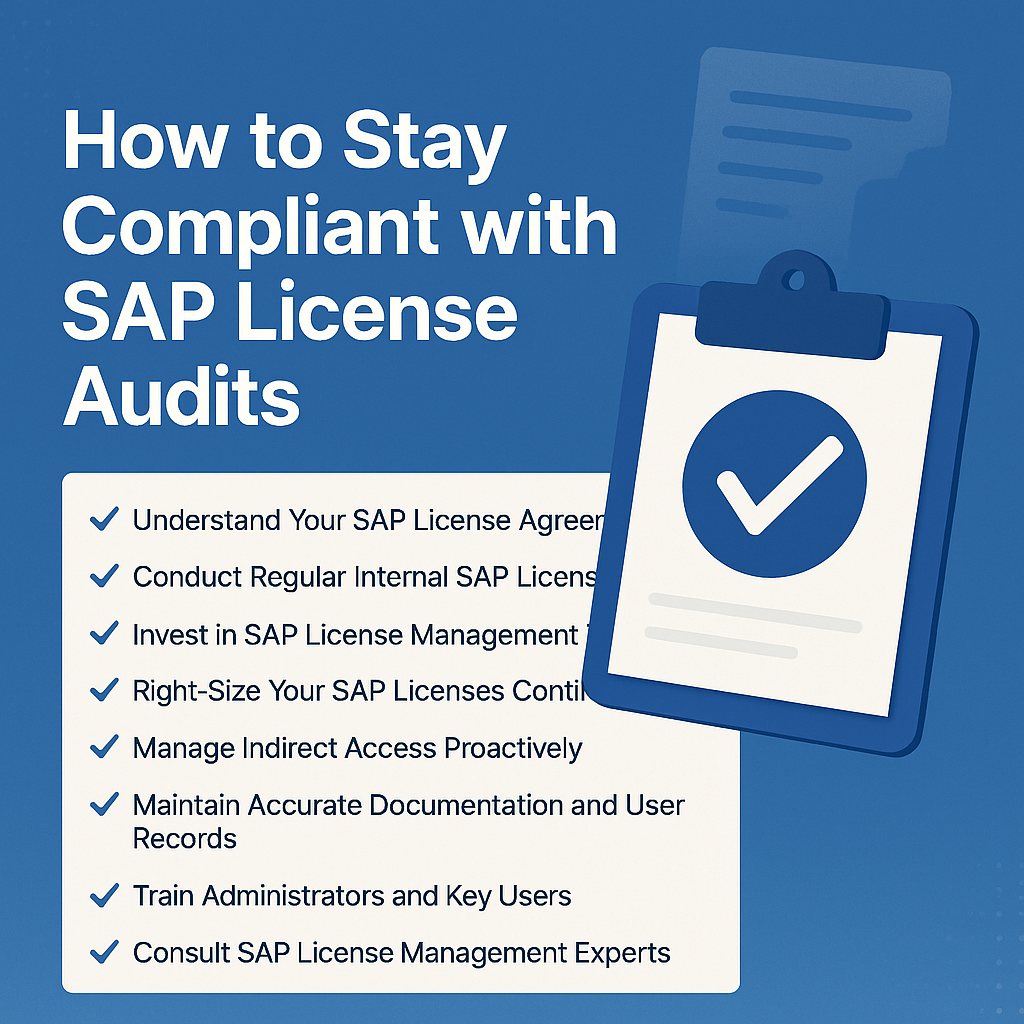
Best Practices for Staying SAP License Compliant
Maintaining SAP license compliance is an ongoing process that requires strategic planning and regular action.
Here’s how to stay ahead:
1. Understand Your SAP License Agreement
Thoroughly review and understand the terms of your SAP licensing contracts. Identify the license types you are entitled to, the user classifications, and the rules around indirect access and annual system measurement obligations.
Having a clear understanding ensures that your internal policies align with SAP’s expectations and minimizes the risk of non-compliance.
2. Conduct Regular Internal SAP License Audits
Waiting for SAP to audit your systems can be risky; instead, schedule internal audits at least once a year. Use SAP’s built-in tools like the License Administration Workbench (LAW) or Solution Manager to simulate an audit and catch discrepancies early.
Internal audits help you spot unauthorized usage, underutilized licenses, and opportunities to optimize your licensing portfolio before SAP gets involved.
3. Invest in SAP License Management Tools
Manual license tracking across large systems is inefficient and prone to human error. Implement dedicated license management solutions such as Snow Software, USU, or ServiceNow to gain real-time insights into user activity and license utilization.
These tools automate compliance reporting, highlight potential license risks, and ensure you can respond quickly to any audit or license-related queries from SAP.
4. Right-Size Your SAP Licenses Continuously
Maintaining accurate license assignment is key to cost savings and compliance. Regularly review your user base to ensure employees are assigned the correct license types based on their actual job roles and system usage.
Deactivating licenses for inactive users, downgrading licenses when responsibilities change, and reclaiming unused licenses helps you stay efficient and audit-ready.
5. Manage Indirect Access Proactively
Indirect access remains one of the largest hidden risks during SAP license audits. Monitor all third-party integrations, mobile apps, bots, and customer portals that interact with SAP data.
Clearly identify, document, and classify these interactions, and if necessary, consider switching to SAP’s Digital Access Model to ensure transparent and compliant licensing.
6. Maintain Accurate Documentation and User Records
Accurate, up-to-date records are your best defense during an audit. Keep detailed records of user roles, access levels, license allocations, indirect access connections, and license changes over time.
In the event of an audit, comprehensive documentation enables faster resolution and reduces the likelihood of disputes or penalties.
7. Train Administrators and Key Users on Licensing Policies
Your SAP administrators and system managers should be well-versed in licensing policies and audit procedures. Provide regular training on best practices for license assignment, user management, and system measurement compliance.
Knowledgeable staff help prevent inadvertent compliance breaches and strengthen your organization’s audit readiness.
8. Consult SAP License Management Experts
If managing SAP licenses internally becomes overwhelming, engage experienced SAP licensing consultants. These experts offer strategic guidance, conduct independent audits, optimize license allocations, and support you during official SAP audits.
Consultants can also help renegotiate contracts and licensing models, often achieving significant cost reductions and compliance improvements for your organization.
Common Mistakes That Lead to SAP License Compliance Issues
Even well-intentioned organizations can fall into common compliance traps.
Here are mistakes to watch out for:
- Assigning Uniform Licenses Without Analysis: Over-assigning professional or expensive license types to all users leads to unnecessary costs and compliance risks. Proper user profiling is essential.
- Neglecting Indirect Access Monitoring: Ignoring how third-party applications interact with SAP can result in surprise audit findings and backdated licensing fees for unlicensed digital access.
- Poor User Lifecycle Management: Failing to revoke access rights for departed employees or role changes creates license waste and audit exposure. Robust offboarding processes are crucial.
- Underestimating System Changes: System upgrades, module additions, and business expansions require proactive licensing assessments to stay compliant and avoid post-audit fines.
How Olive Technologies Can Help with SAP Audit Compliance
At Olive Technologies, we specialize in SAP license optimization, compliance auditing, and risk mitigation strategies. Our team of experts can perform comprehensive assessments of your SAP environment, uncover hidden risks, and optimize your licensing to save costs and ensure full compliance.
We offer tailored SAP license management services that help organizations navigate audits smoothly, reduce licensing costs, and future-proof their SAP investments. Contact Olive Technologies today for a free consultation and audit readiness review!
FAQs
1. What is an SAP license audit?
An SAP license audit is a formal review conducted by SAP to verify that customers are using their licenses in compliance with their contractual agreements. It involves checking user access, software usage, and indirect access risks.
2. How often do SAP license audits happen?
SAP can perform audits annually as part of the contractual agreement, but audits may also be triggered by system upgrades, company mergers, or suspicious usage patterns.
3. What are the biggest risks during an SAP license audit?
The most significant risks include indirect access violations, incorrect user licensing, under-reported user counts, and lack of updated documentation regarding system usage and integrations.
4. How can I prepare for an SAP audit?
Preparation includes conducting regular internal audits, managing user licenses actively, monitoring indirect access, maintaining accurate records, and investing in SAP license management tools.
5. Can SAP licensing consultants really help with compliance?
Yes, experienced SAP licensing consultants can identify hidden risks, optimize your license landscape, help you renegotiate contracts, and ensure your business is fully prepared for any audit.
6. What is indirect access in SAP licensing?
Indirect access refers to users or systems that access SAP data through third-party applications rather than directly through the SAP GUI, often requiring additional licensing under SAP’s rules.
Conclusion
SAP license compliance is not just about avoiding penalties—it’s about managing your digital assets wisely to maximize business value. By understanding your agreements, conducting internal audits, right-sizing licenses, managing indirect access, and keeping impeccable records, you can stay fully prepared for any SAP license audit.
Taking a proactive, strategic approach ensures smoother operations, financial savings, and a stronger partnership with SAP for the future.
Start building your SAP audit readiness strategy today!
![olive-technologies-logo [2]](https://olivetechnologies.net/wp-content/uploads/2024/10/logo-2.png)